Analysis, squares and share cards for your training
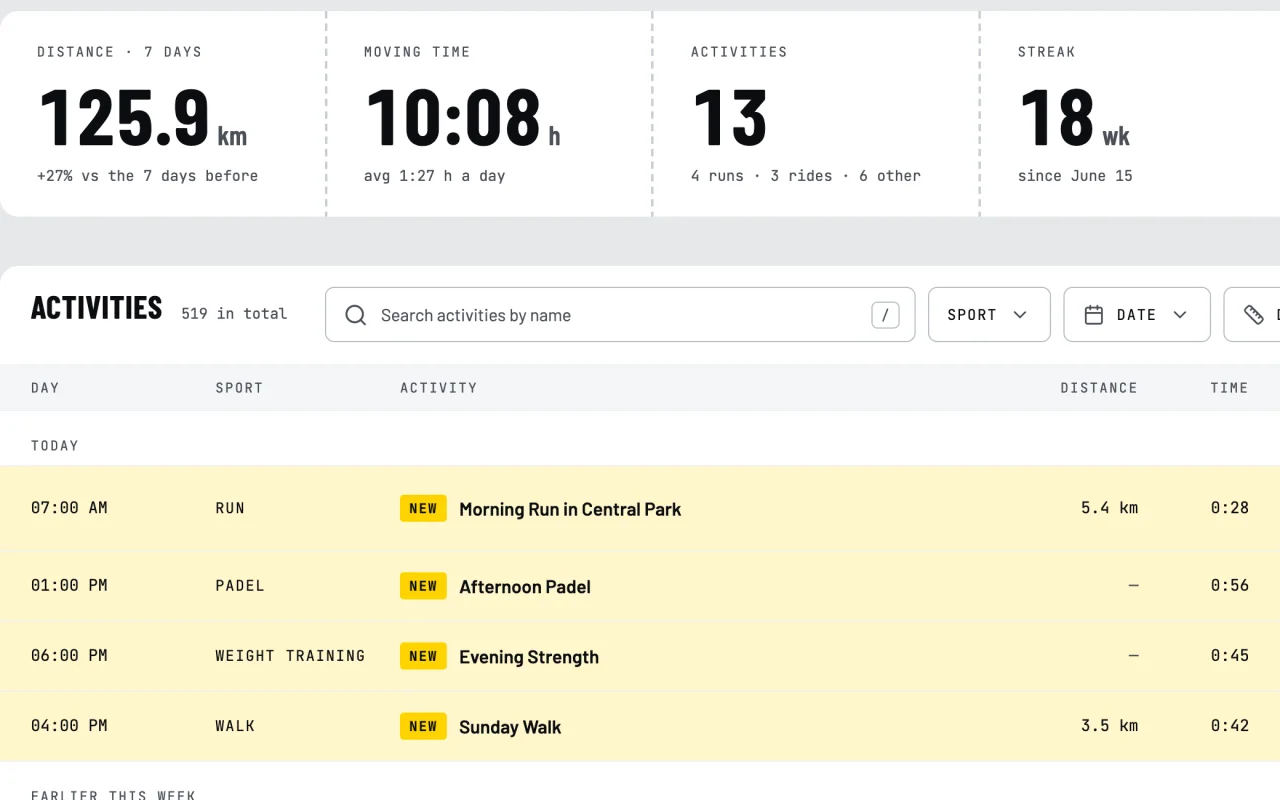
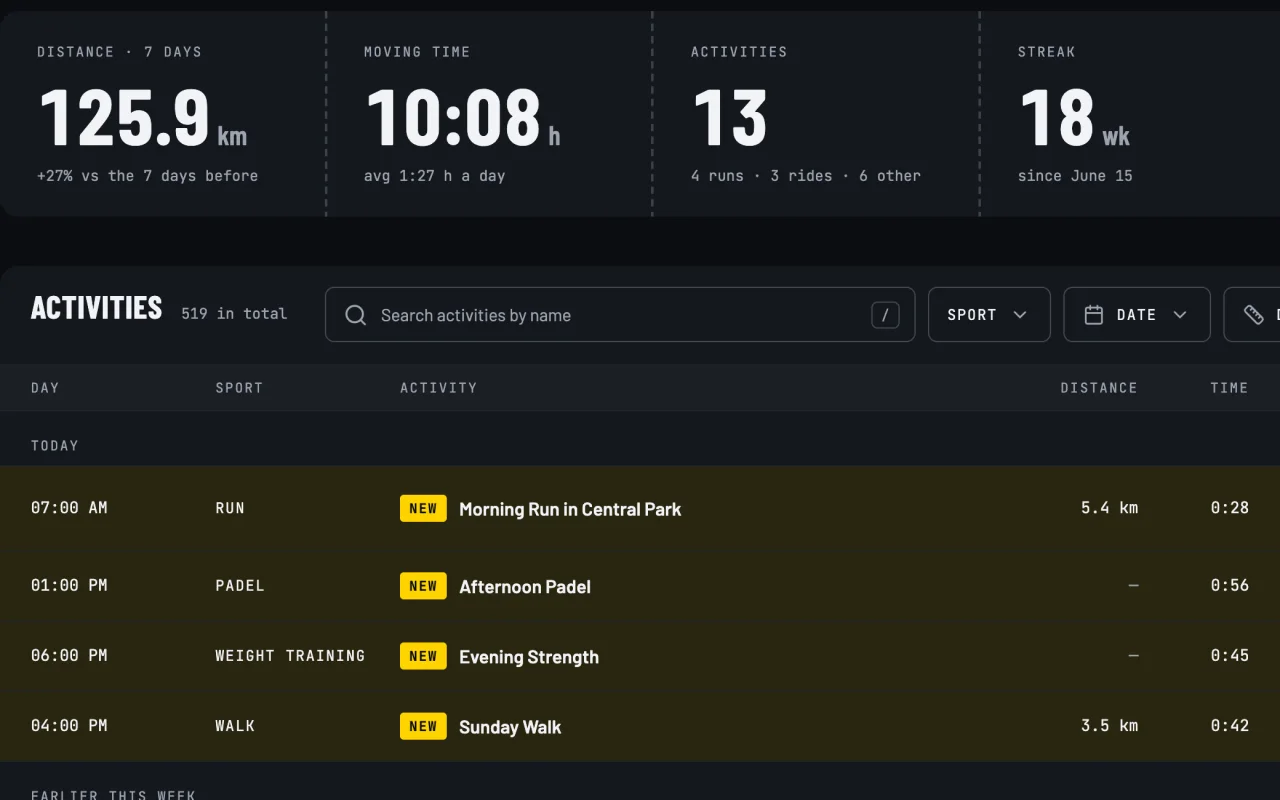
Connect Strava with read-only access. Your activities go straight to your browser and stay there. You get an analysis of your form, a map of new squares with a route planner and cards to share.
Analysis
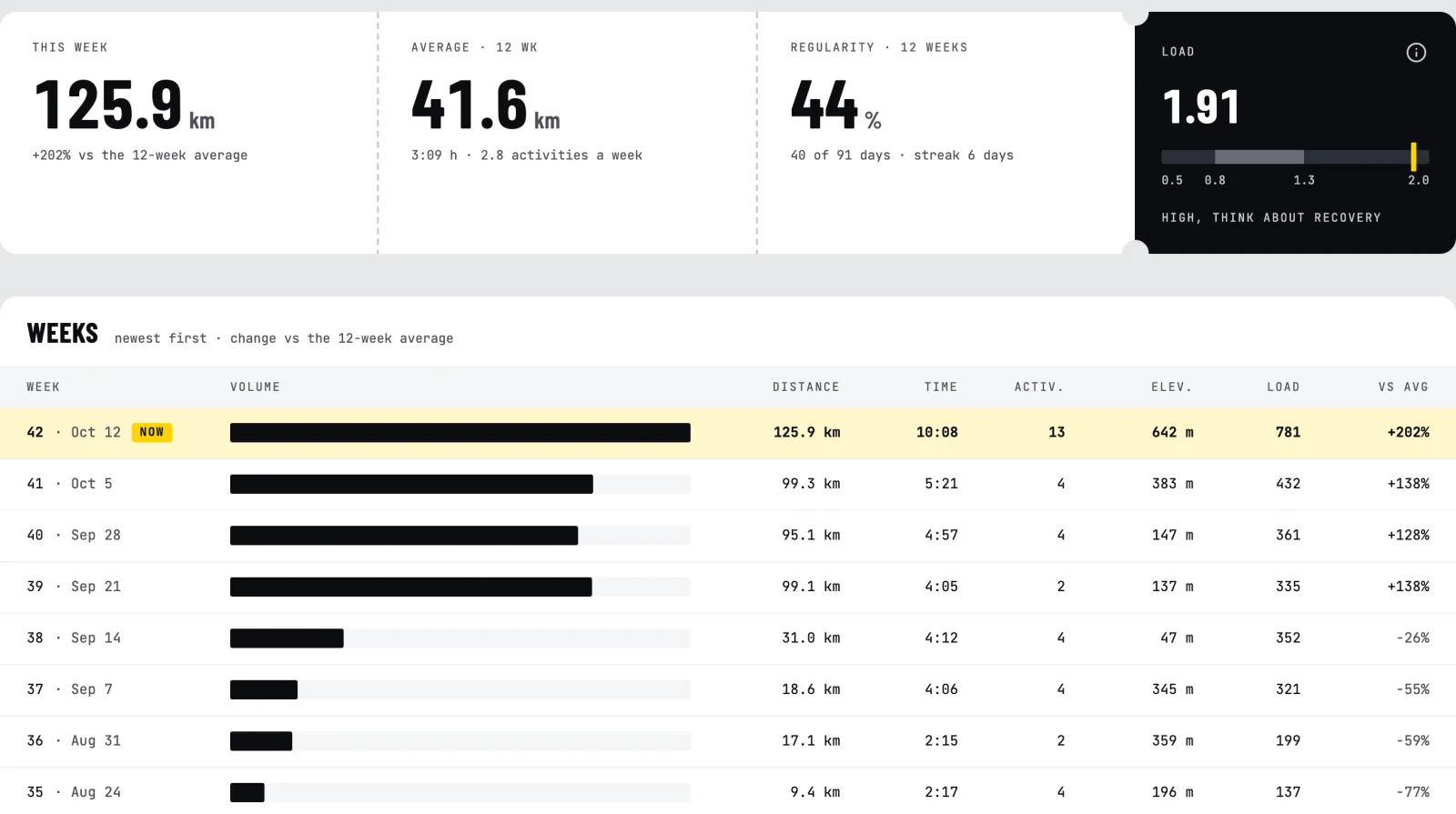
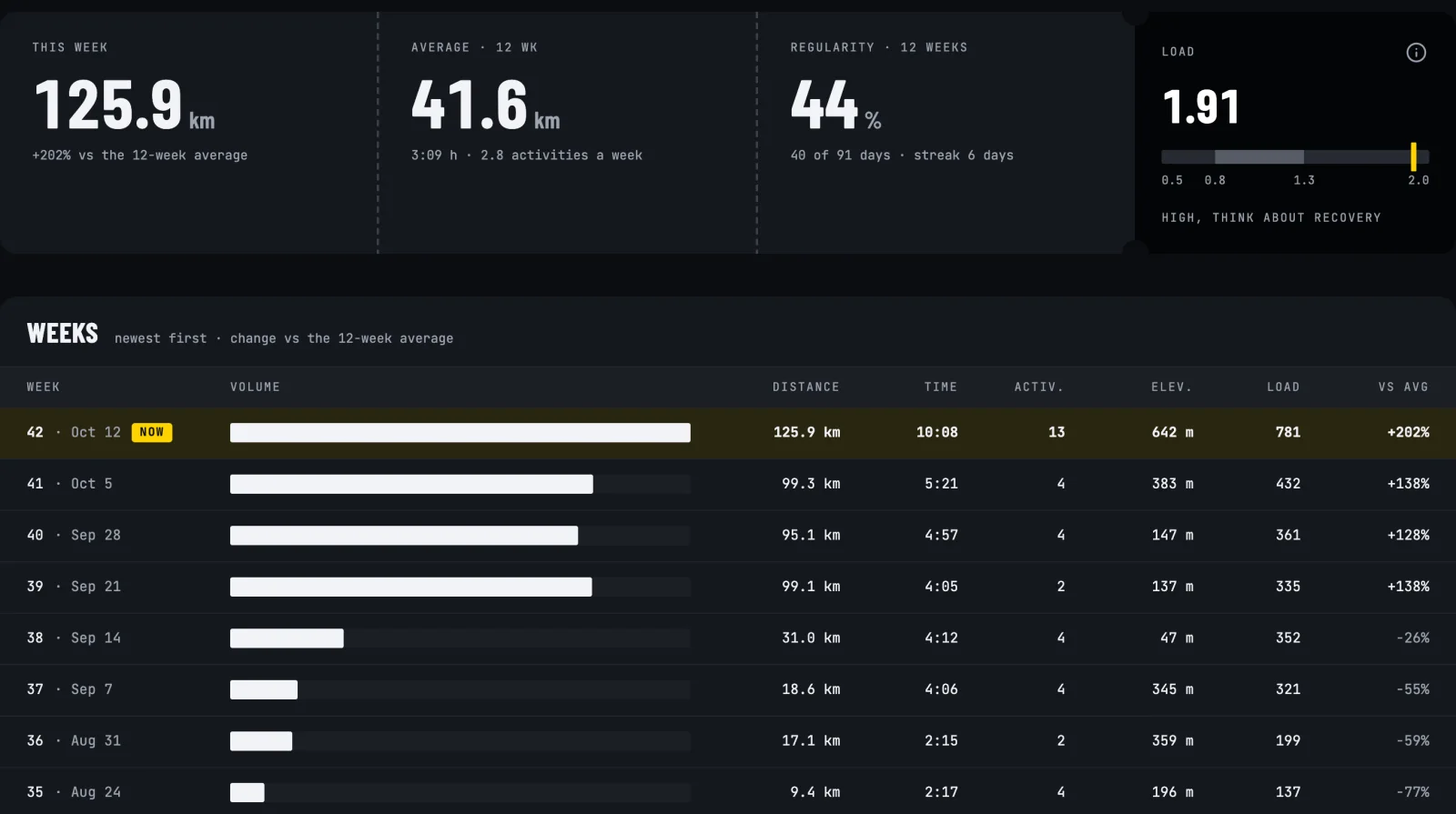
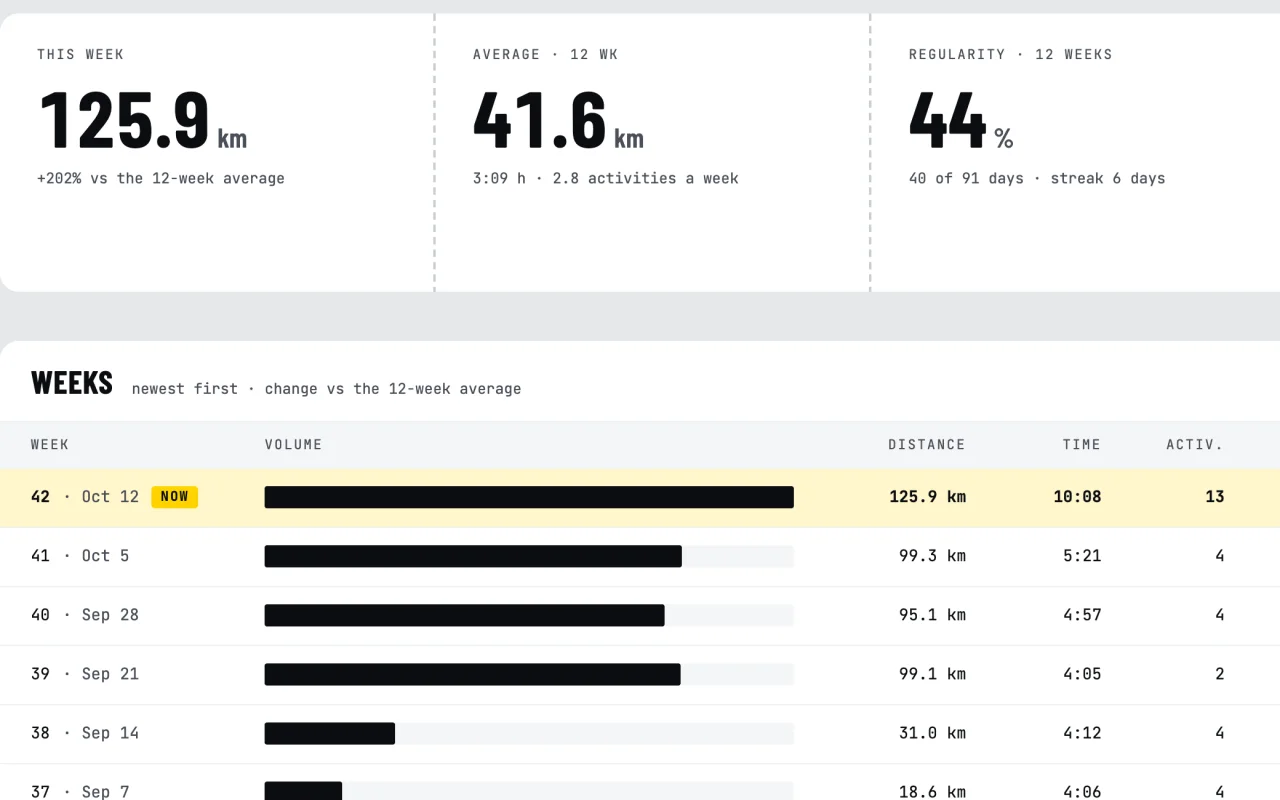
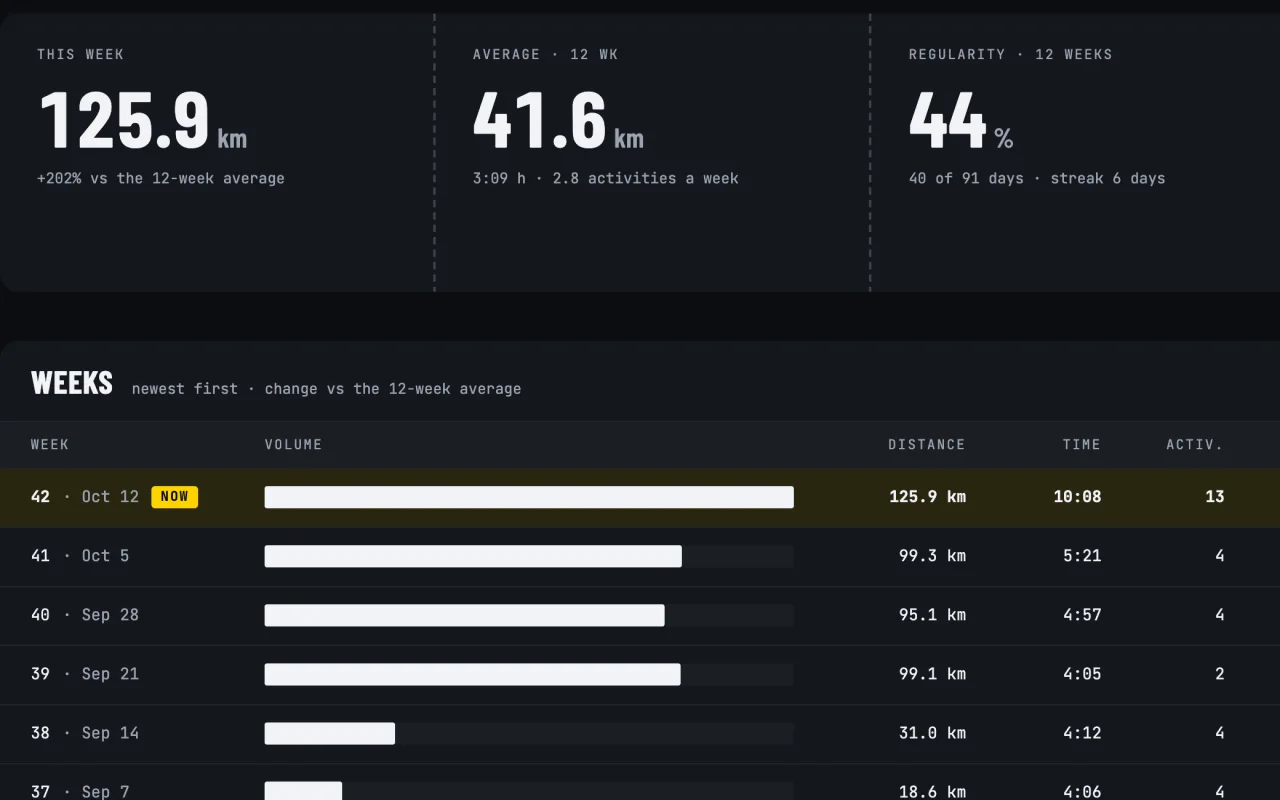
This week against your 12-week average, the training load of the last week against the last six, every week as a row, years side by side and race time and FTP predictions.
Sport and time filters · insights · gear distance
Squaresthe map and the route planner
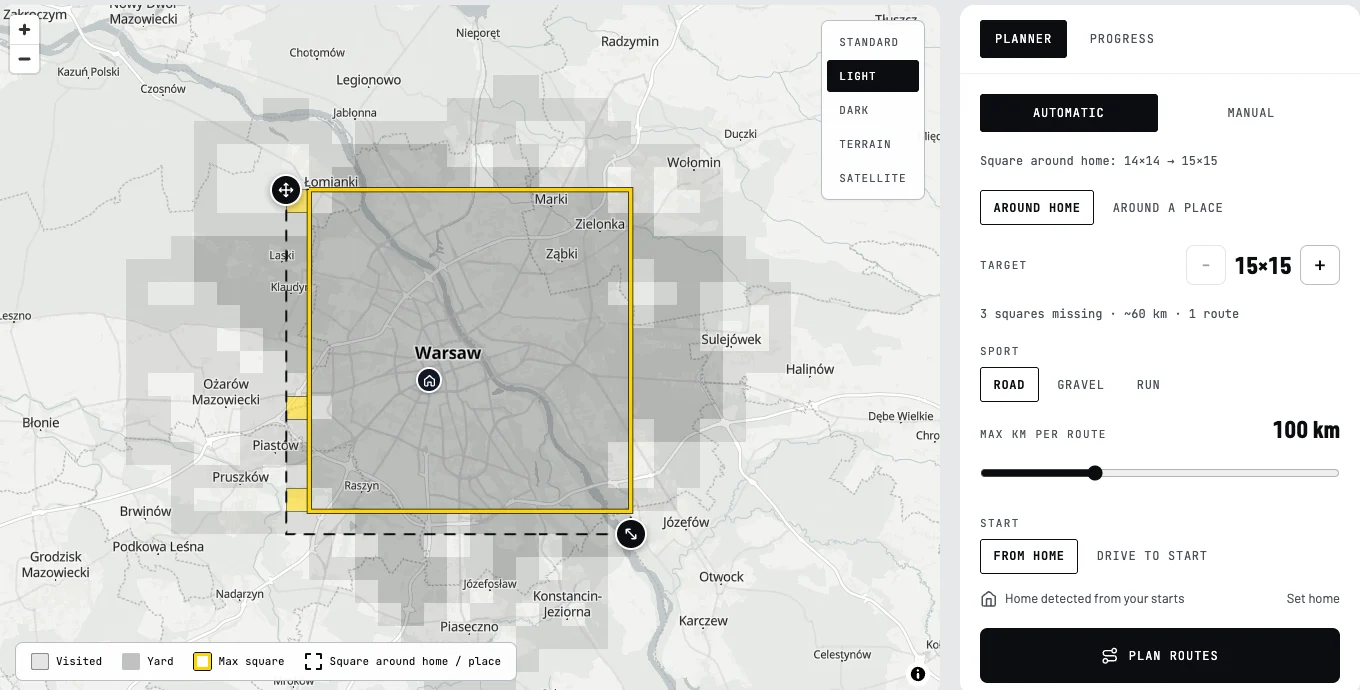
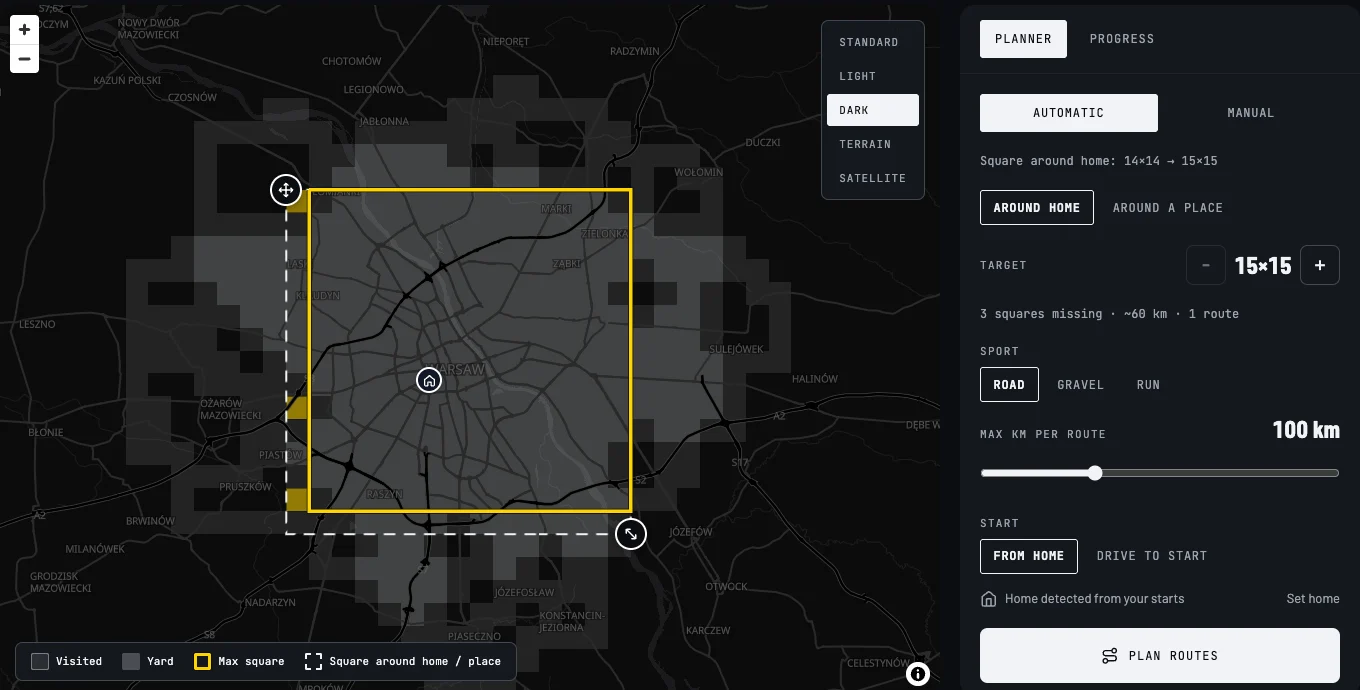
Every activity fills in squares on the map. The planner lays out a road, gravel or running loop that grows your biggest square, or you draw your own route on the roads. Download the GPX for your bike computer or watch.
Squares · automatic and manual planner · GPX
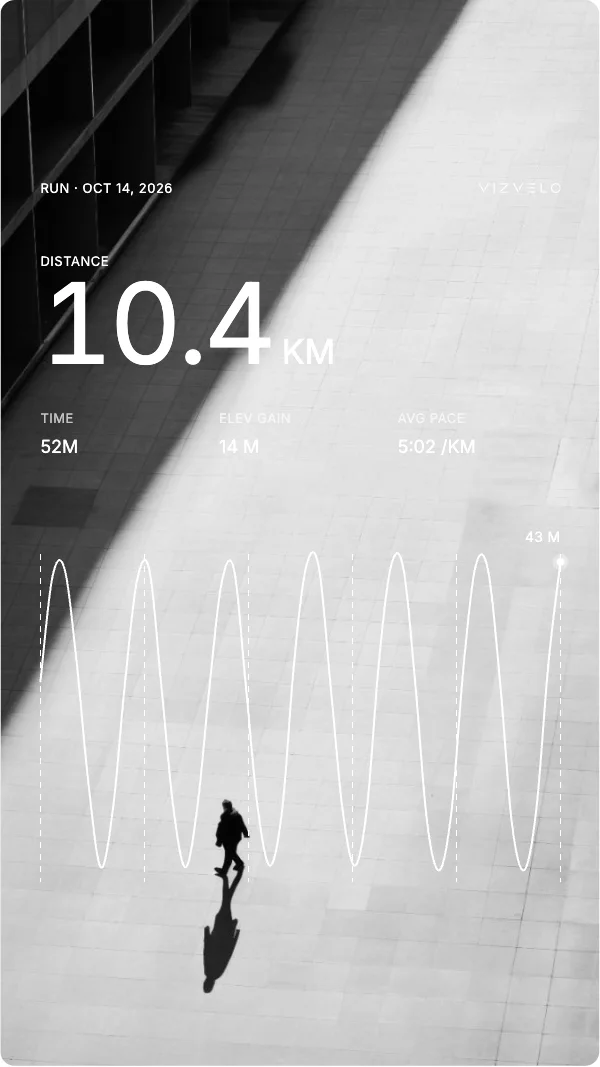
Share cards
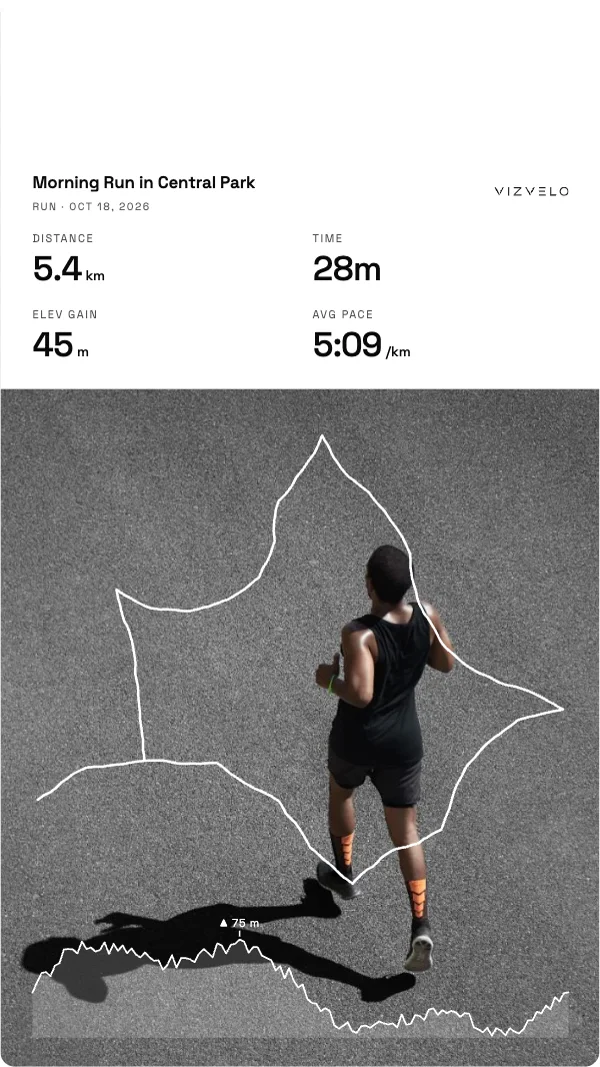
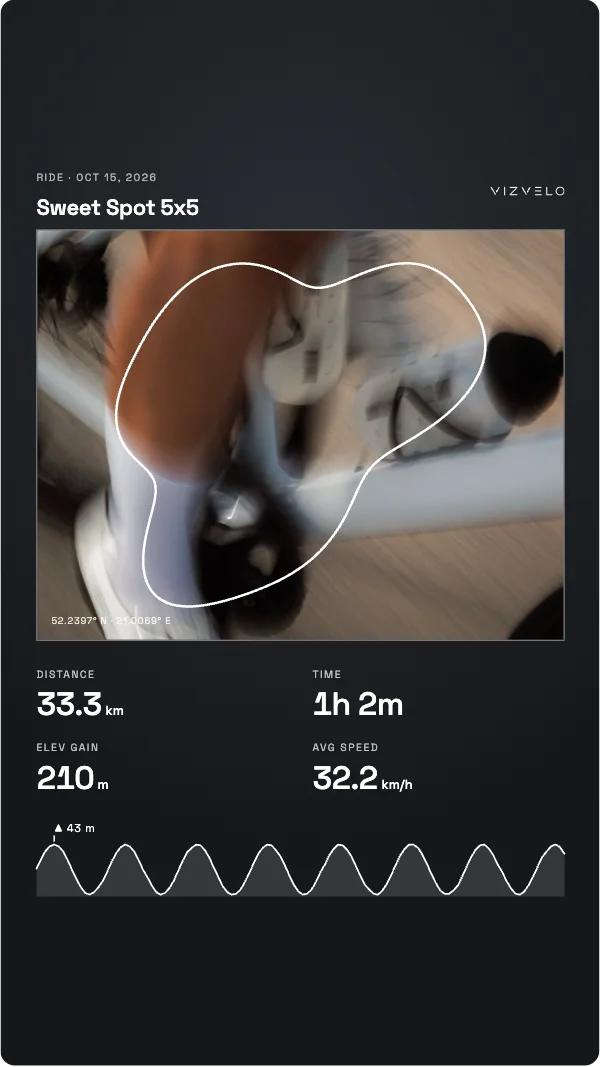
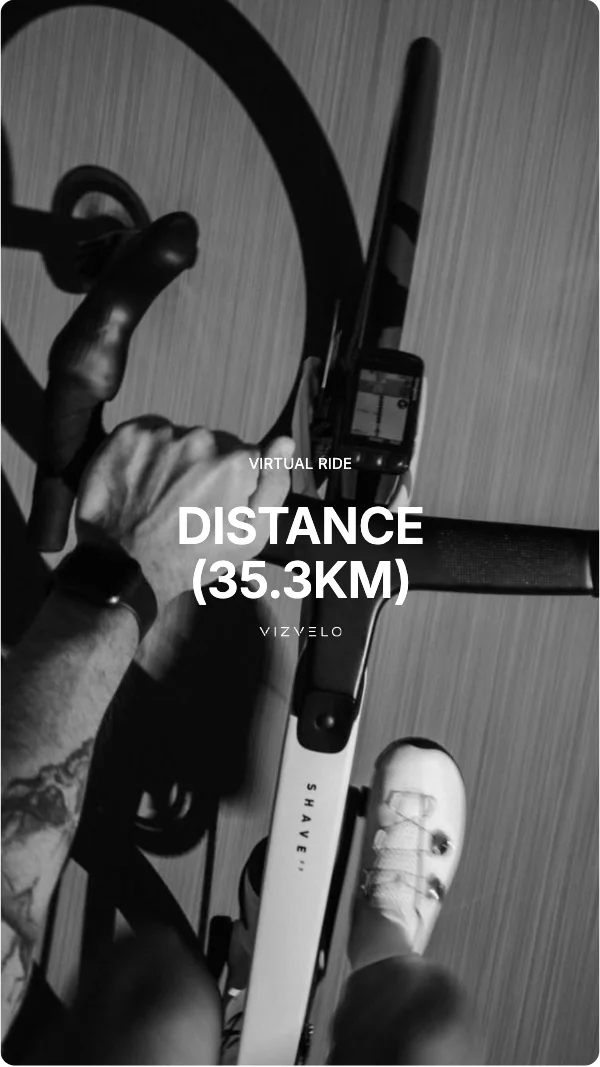
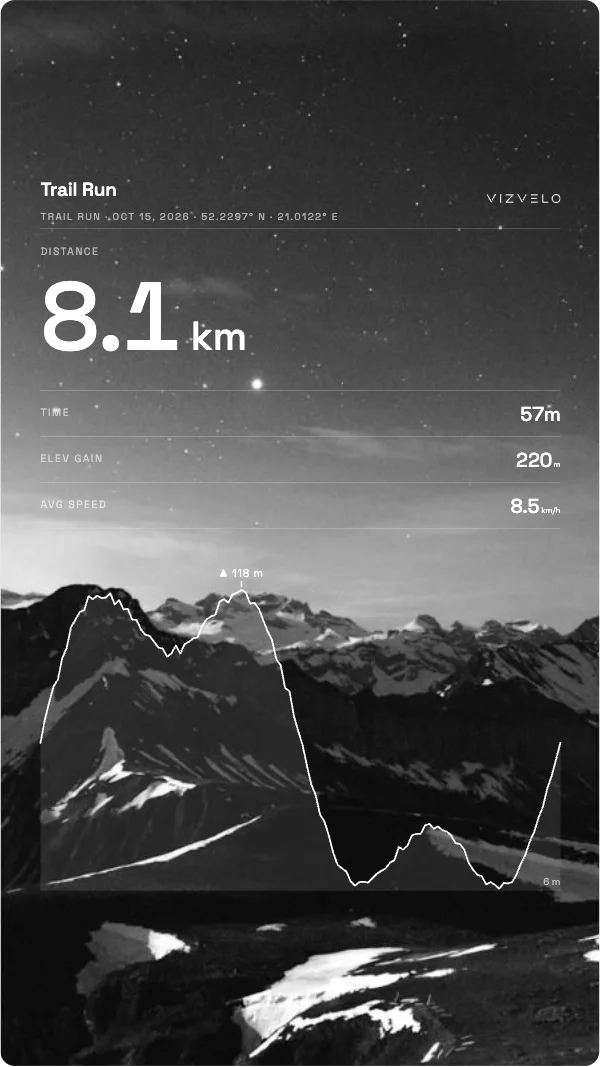
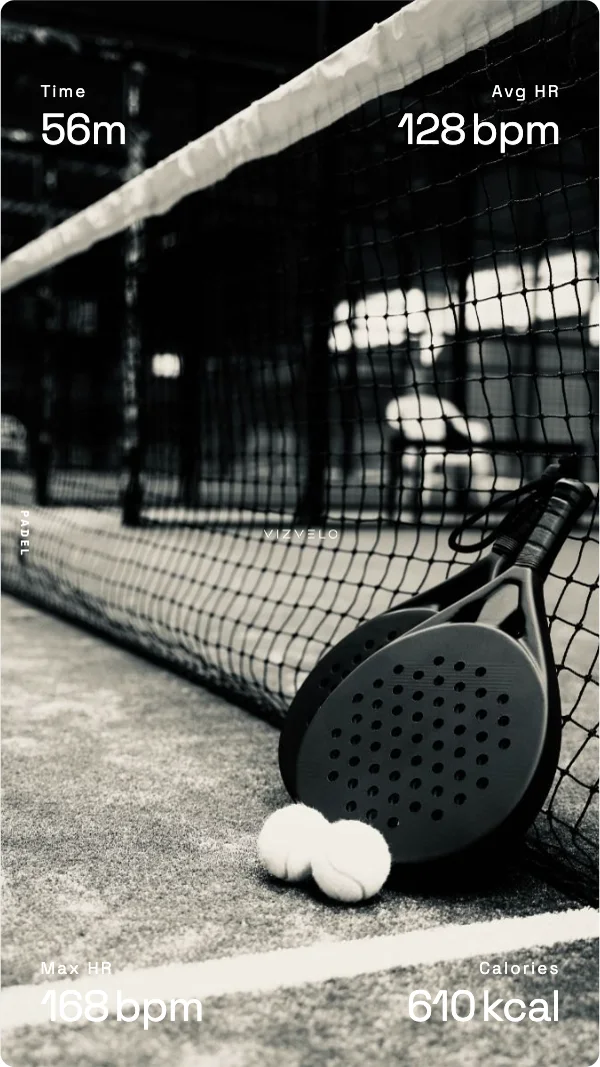
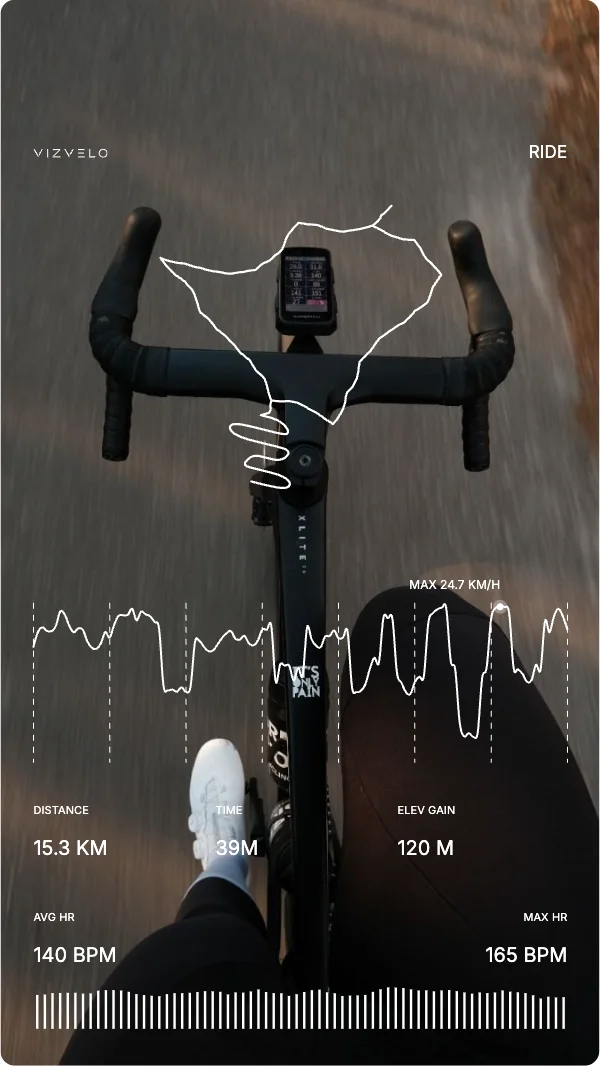
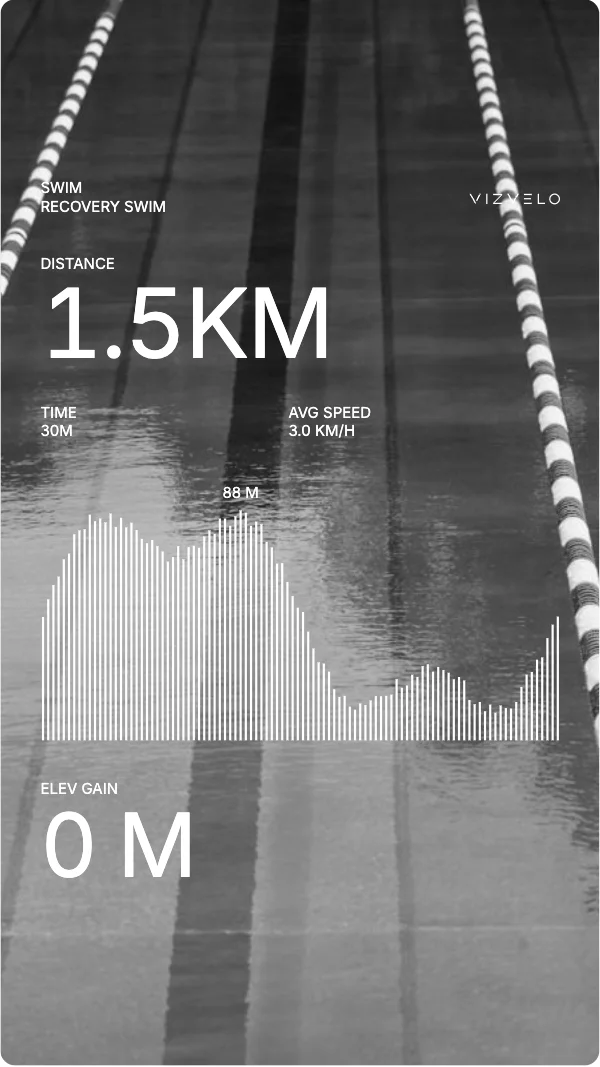
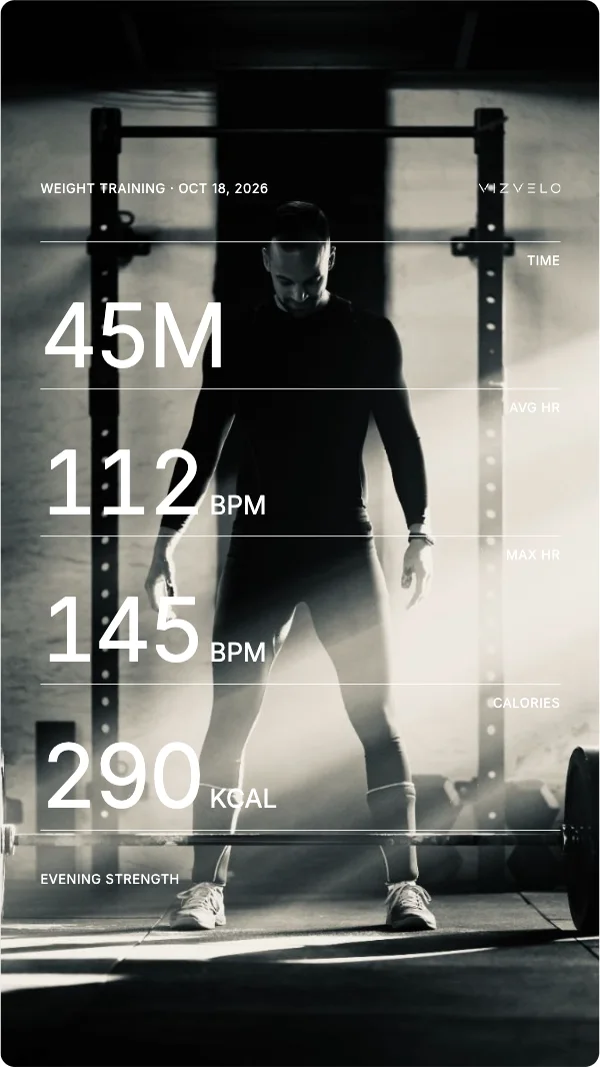
Pick a style, the stats and a colour, add the photo from your Strava activity and save it as a story.
Sa Calobra
Formentor
Arieiro
Encumeada
Calar Alto
Veleta
Teide
Anaga
Nublo
Privacyyour data stays yours
Our server
Steps in at login and to pass through a Strava photo you put on a card. It keeps only your squares, without the routes.
Privacy policyHow it works
- 1ConnectLog in with Strava. Vizvelo gets read-only access.
- 2BrowseSee your week and compare your stats with past weeks and years.
- 3Plan a routeCheck your squares and plan a route.
- 4ShareAfter the ride, make a card of the activity and show it off.